
Mobile app
The whole service in the team's hands
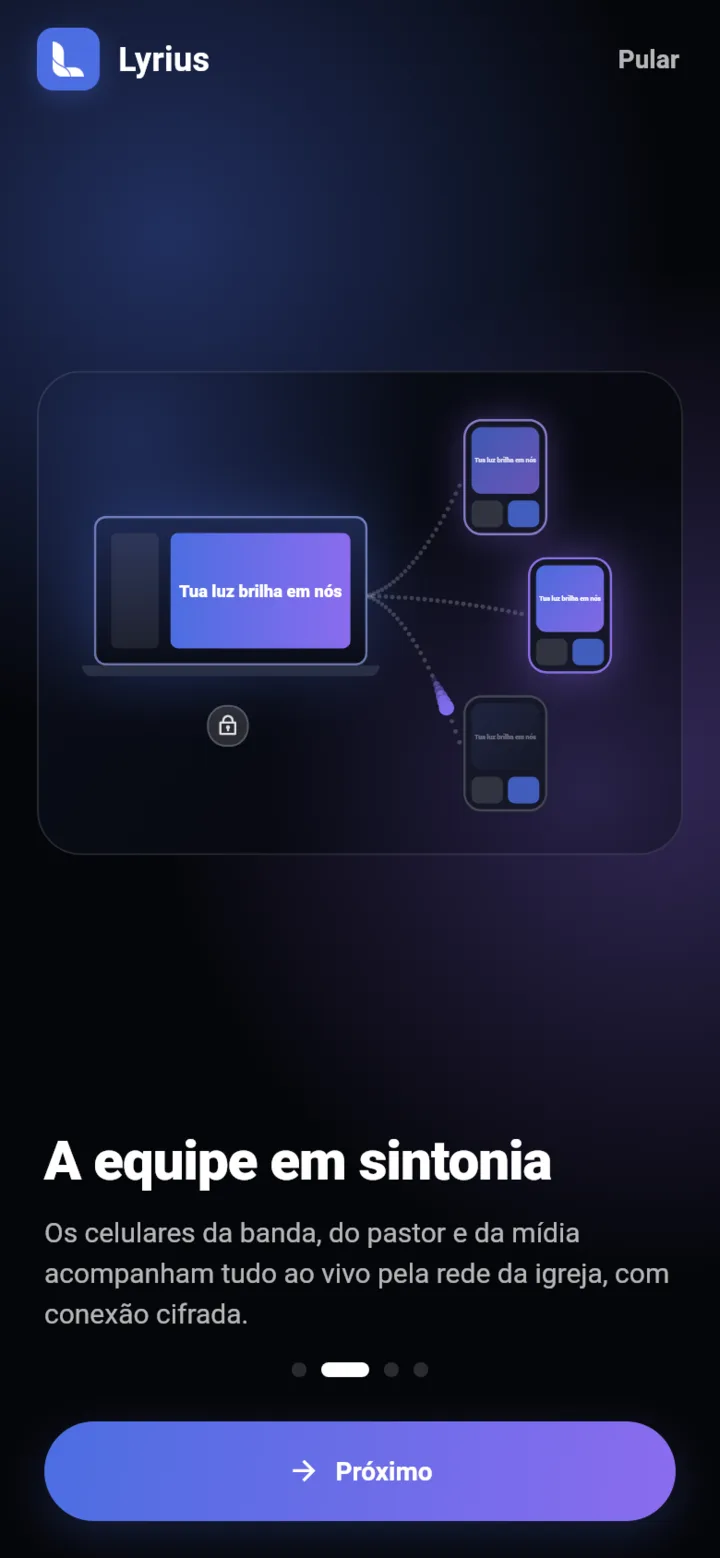
Band, pastor and media follow everything on their phones — and whoever has permission moves the slides, sends notices and runs draws without leaving their spot.
 Coming soon toGoogle Play
 Coming soon to the App StoreiPhone
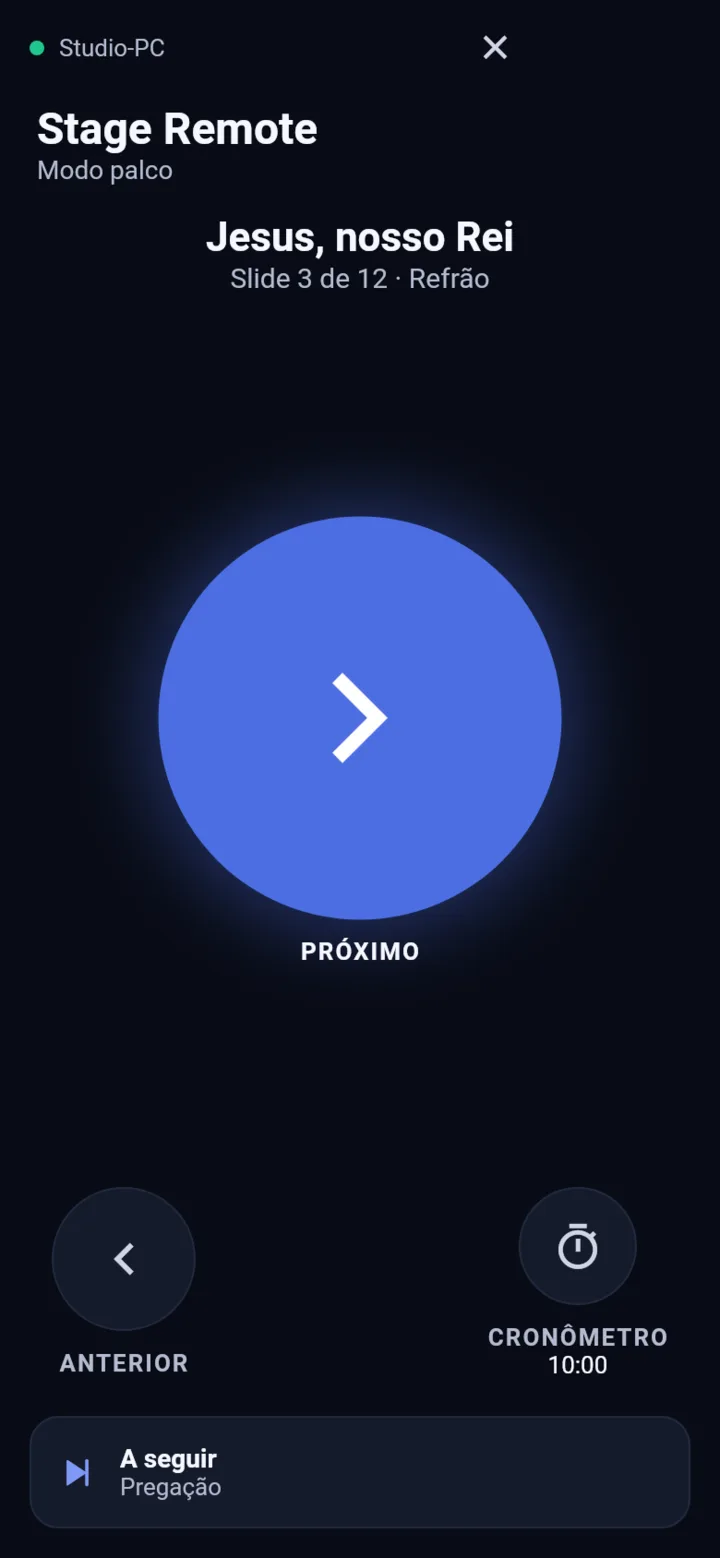
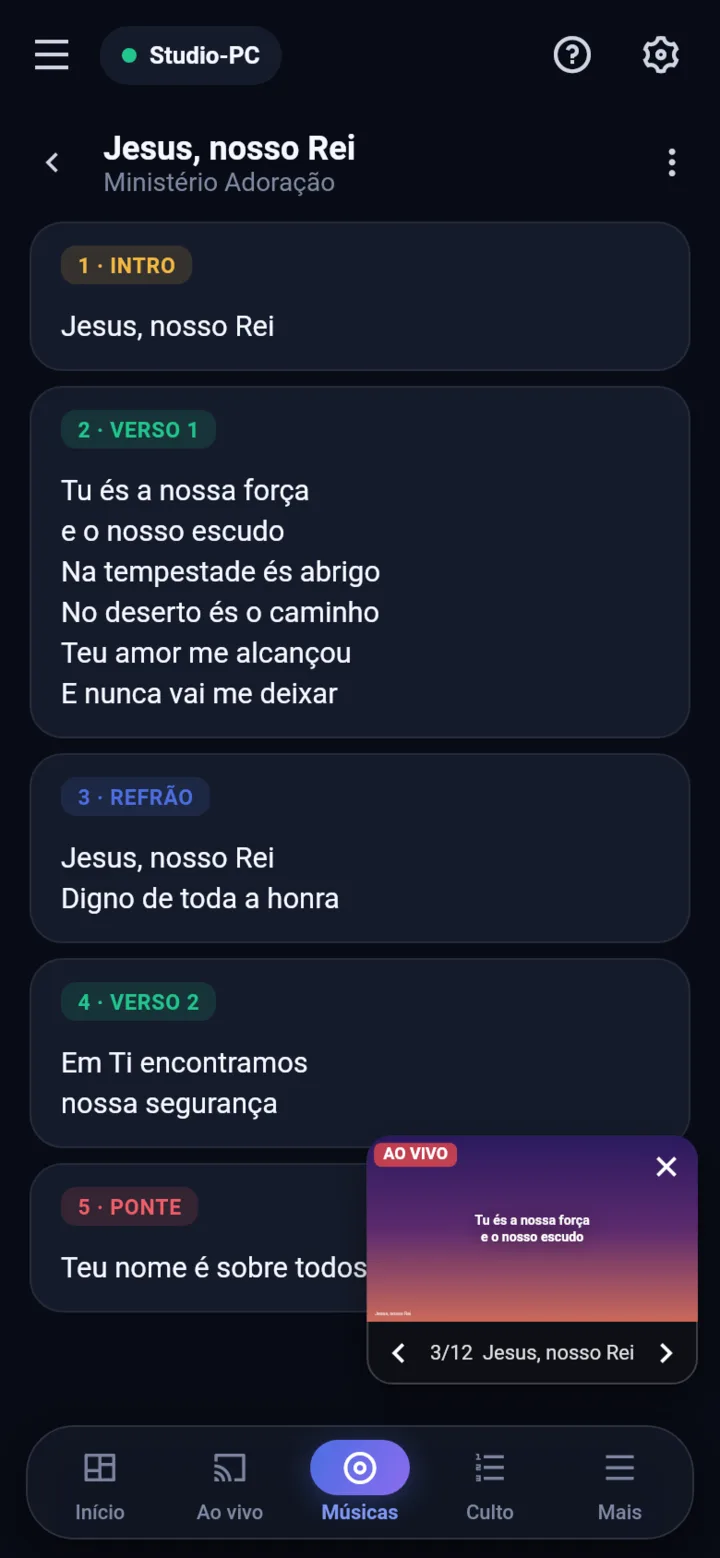
Everyone sees what they need
The operator picks each device's role on the computer. The phone adapts on its own.
Full control, away from the computer
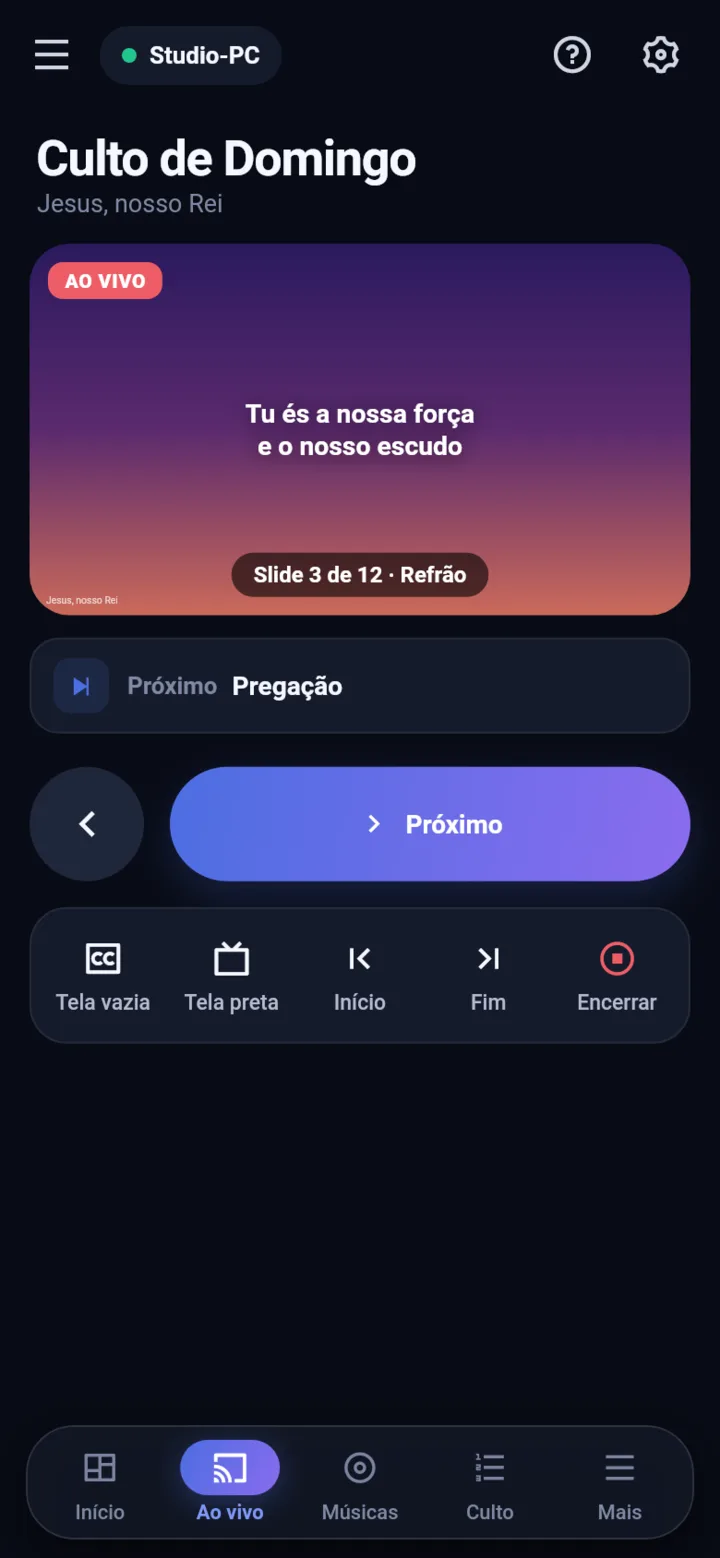
Move the slides, project songs, verses and media, black out the screen and see what's next — from the back of the room or next to the pulpit.
- Large live preview of the big screen
- Previous, next, black and blank screen
- Service queue with the current item highlighted
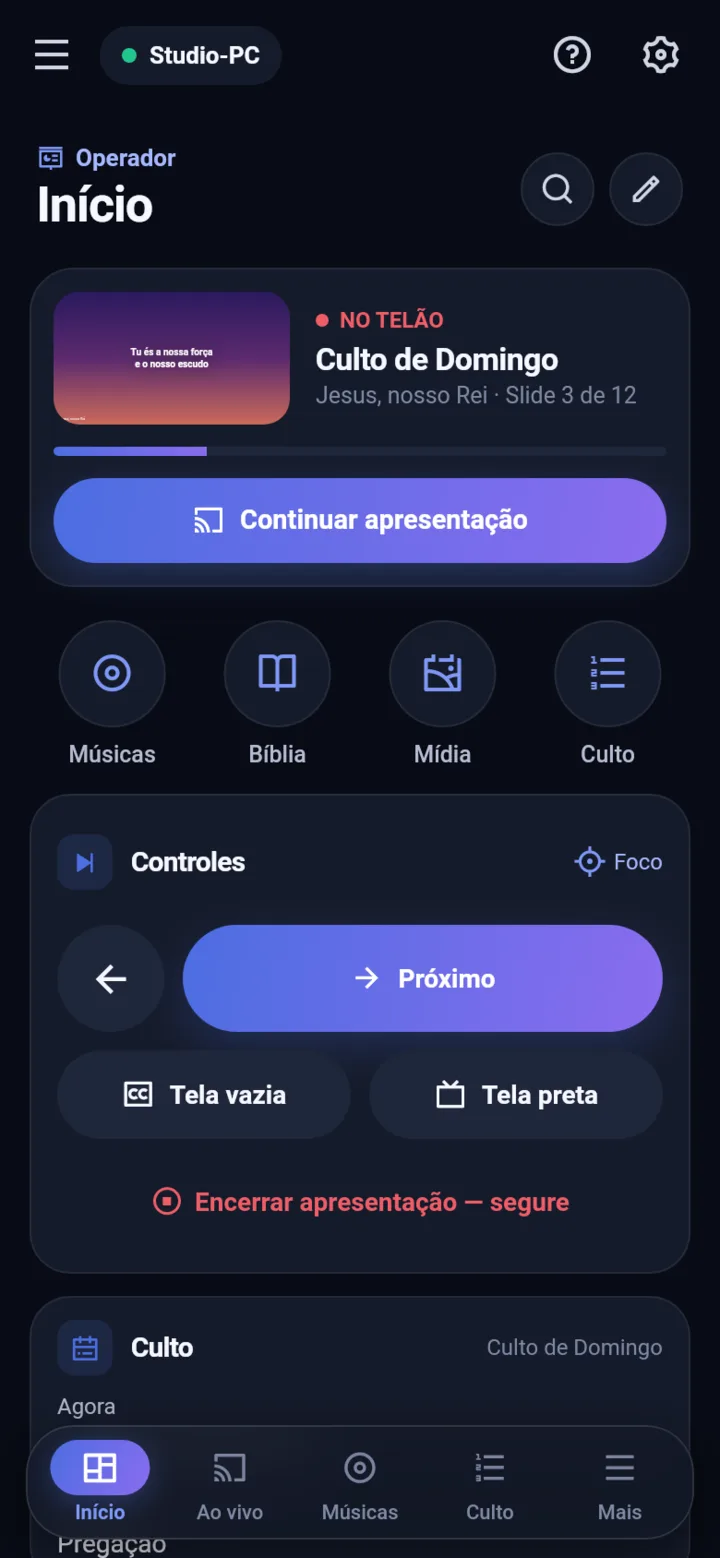
Connecting takes less than a minute
No account and no network setup. The phone finds the computer on its own.
01Open Lyrius on the computer
Devices shows a QR code and a 6-digit code.
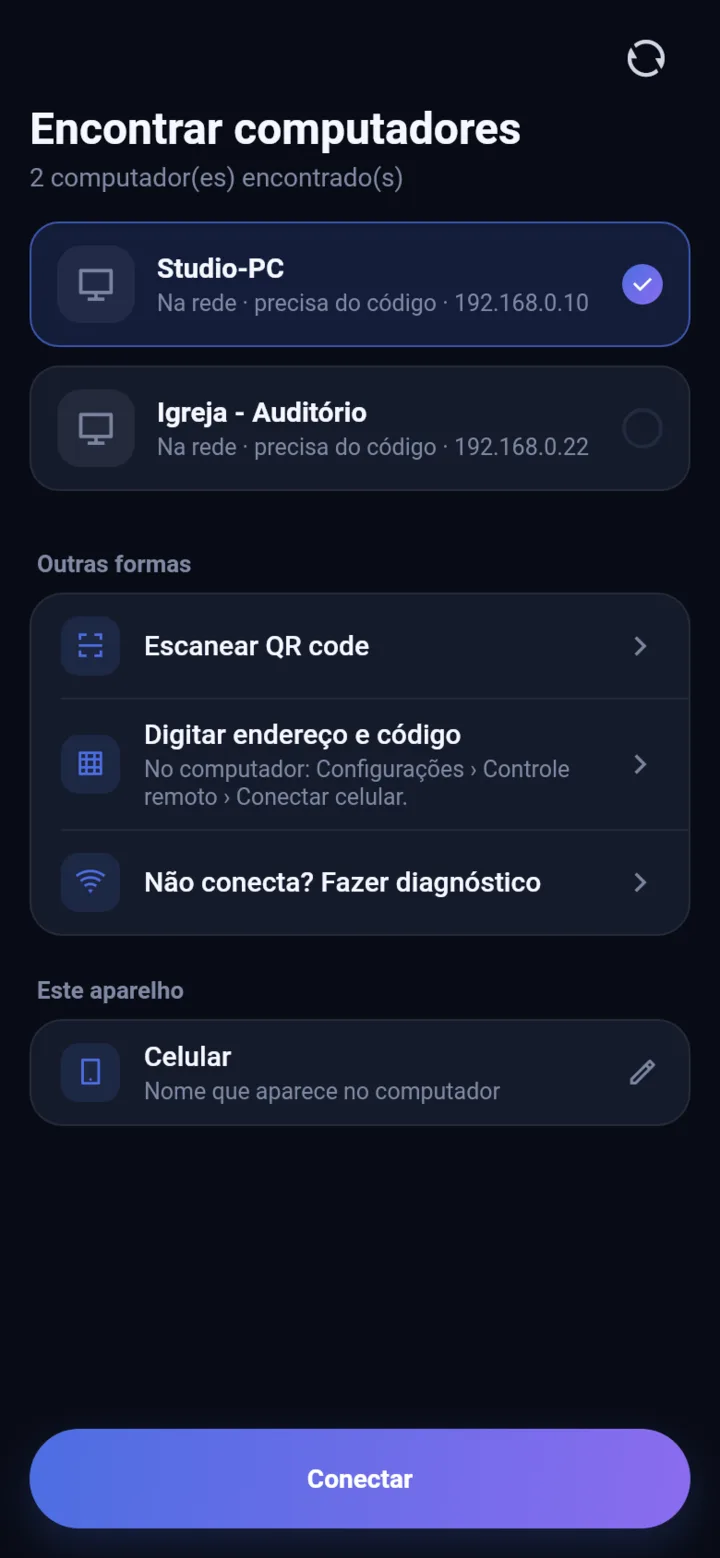
02Tap Connect on the phone
The app finds the computer on the same network — Wi-Fi or cable.
03Done, end-to-end encrypted
Next time it reconnects by itself, even after the screen turns off.
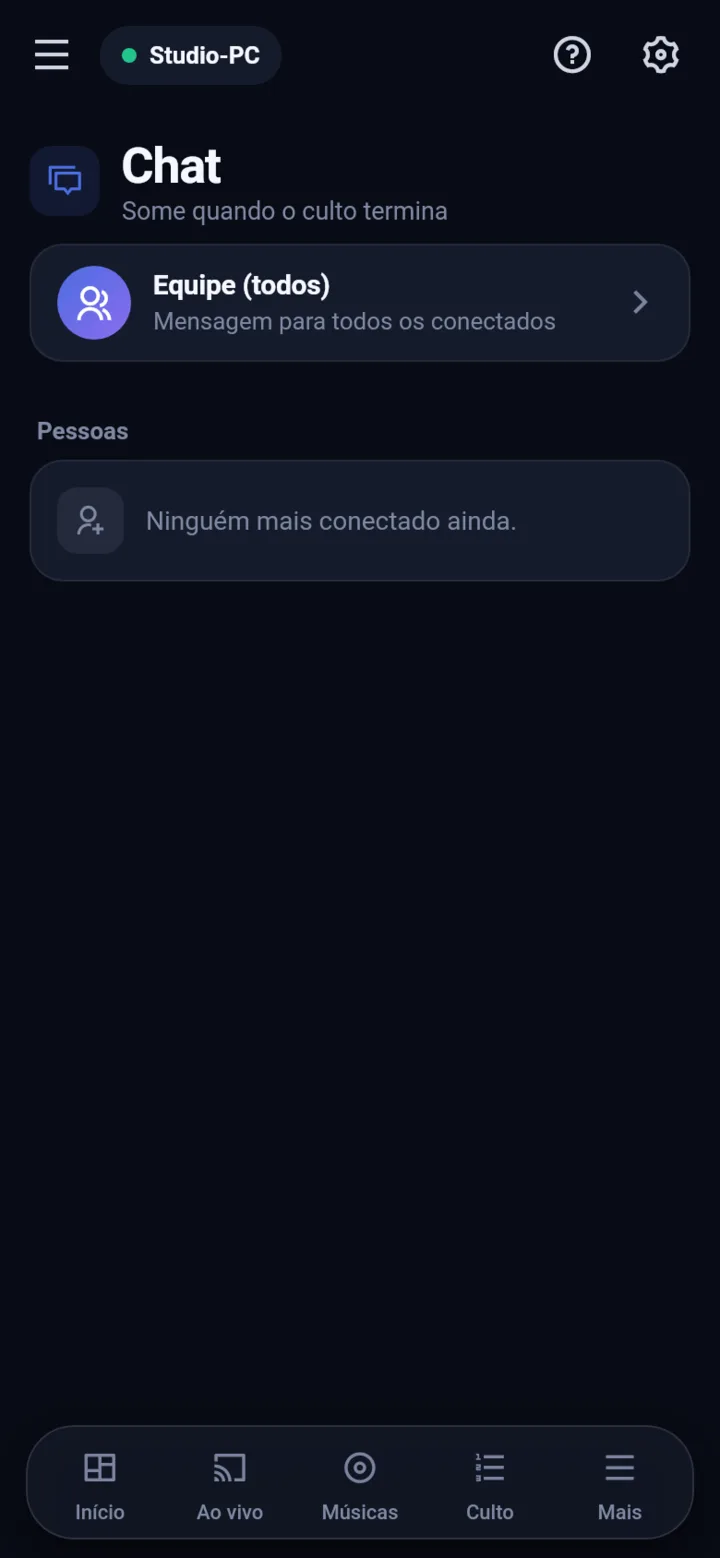
A team-only chat that disappears at the end
Agree on the next song, send the photo for a notice or record a quick voice message. The conversation only lives in the computer's memory and is erased when everyone leaves.
- Text, photos, videos and voice
- Reply, forward and save to media
- New-message alerts on the PC and phone
Made for Sunday
Connects in seconds
A QR code or a 6-digit code. The phone finds the PC on the network by itself.
End-to-end encrypted
Everything over the local network; nothing goes through servers.
Everyone in their role
The operator decides what each device can do.
Stage monitor
Lyrics and chords with the live part highlighted.
Team chat
Text, photos, videos and audio — gone when everyone leaves.
Send files
Photos and videos from the phone straight to the PC's media.
Put Lyrius on your team's phones
Free. Works with Lyrius open on the church computer.
Coming soon toGoogle PlayComing soon to the App StoreiPhone