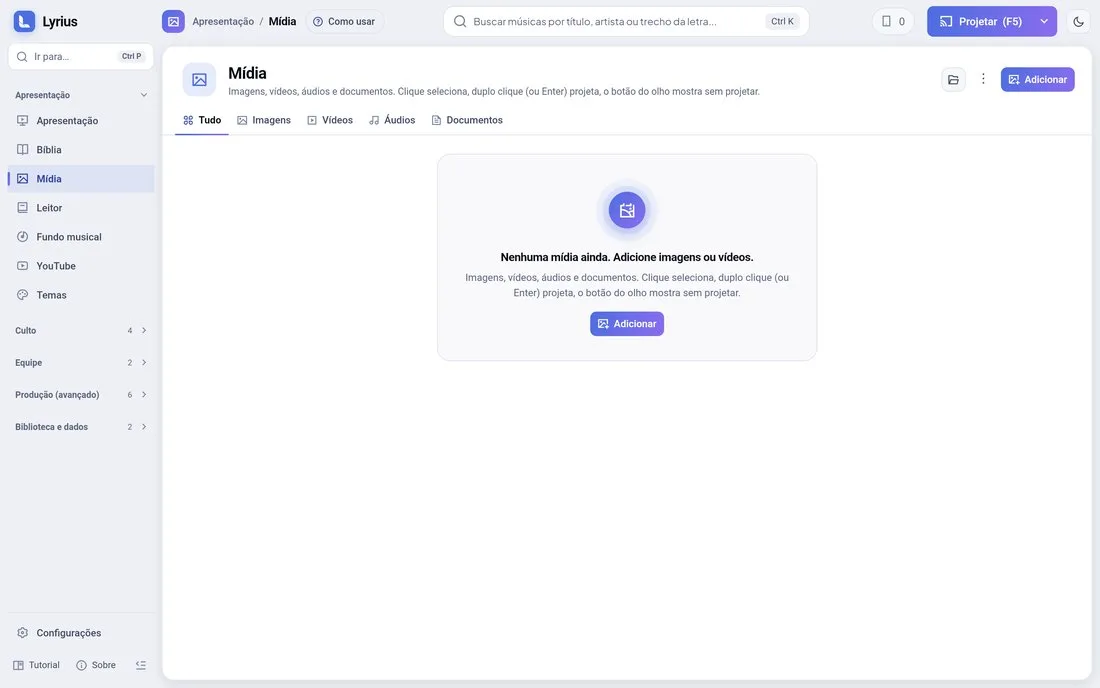
Adding
Drag images and videos onto the Media page (or use the add button). Thumbnails appear by themselves. From the phone, "Send files" (or Share › Lyrius on Android) also sends photos and videos here.
Projecting
- Click a media item to select it; double-click (or Enter) projects it and the eye previews it without projecting.
- Video: play/pause and restart, from the PC or the phone.
How the image fills the screen
Settings › Display › Images and videos › Screen fit:
- Fit (whole): shows the whole image without cropping (bars may remain at the edges).
- Fill (crops): fills the screen and crops the edges.
- Stretch (distorts): fills the screen and distorts the image.
- Blurred edges: fills the leftover bars with a blurred copy of the image.