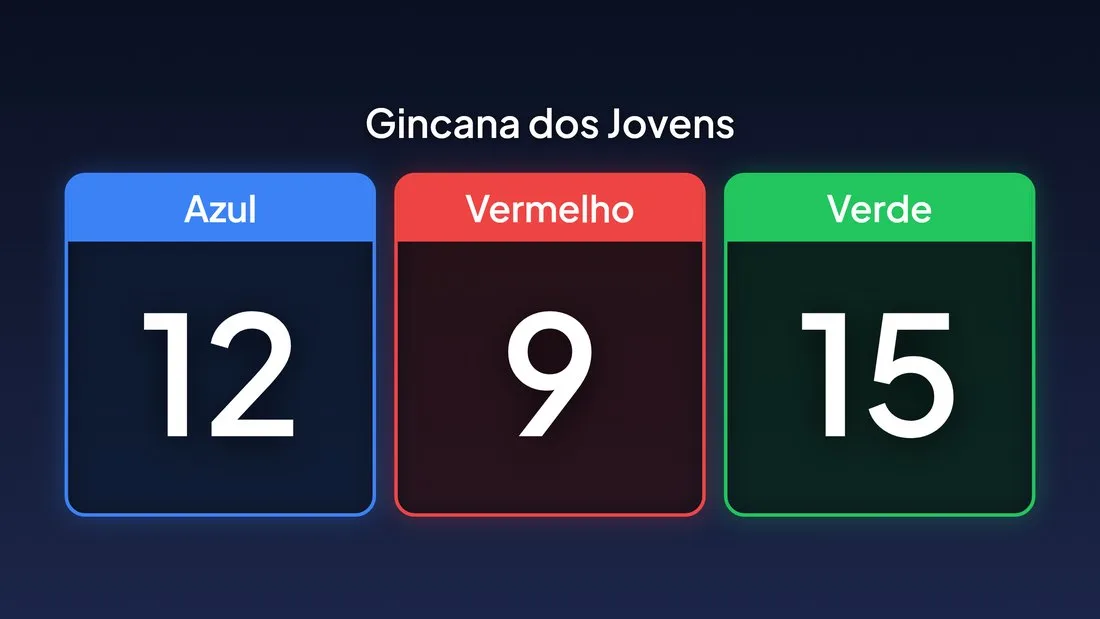
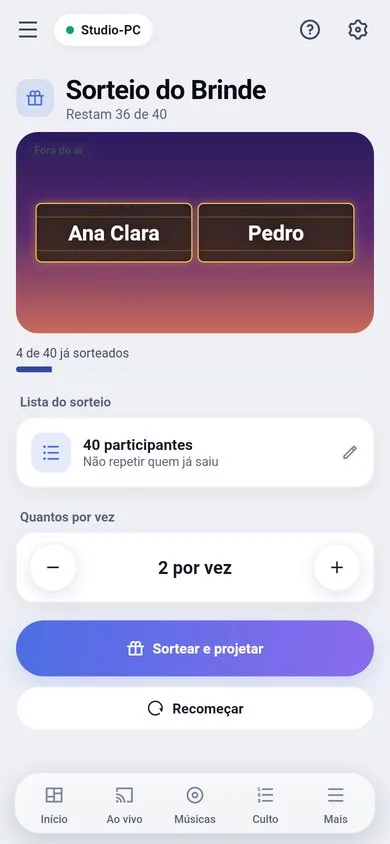
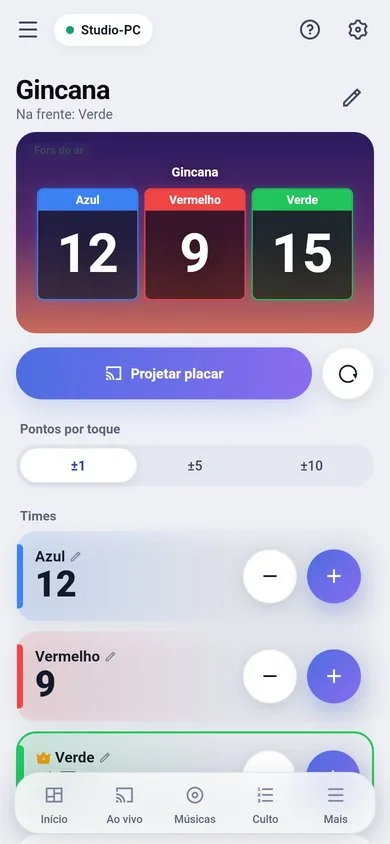
Production › Scoreboard and Production › Draw. Both fill the whole screen, in the theme you choose.
Scoreboard (games, quizzes)
- 1Create the teams, with a name and color.
- 2"Show scoreboard" shows the team cards on screen and opens the projection screen if it is closed.
- 3Use the minus and plus buttons on each team. The new number grows in and the card glows in the team’s color.
- 4"Reset scores" sets everyone back to zero (asks for confirmation).
Draw (prizes, numbers)
- 1Write the list: one name per line, or a range like 1-200.
- 2Choose how many per round and whether people already drawn can come up again.
- 3"Draw and show" projects first and only then spins the slot-machine reels, so the audience sees it from the start. The reels stop one at a time.
- 4"Start over" lets everyone take part again.
From the phone
The phone’s Draw and Scoreboard screens show the same preview as the projection screen (the spinning reels and the team cards). They need the Control permission.