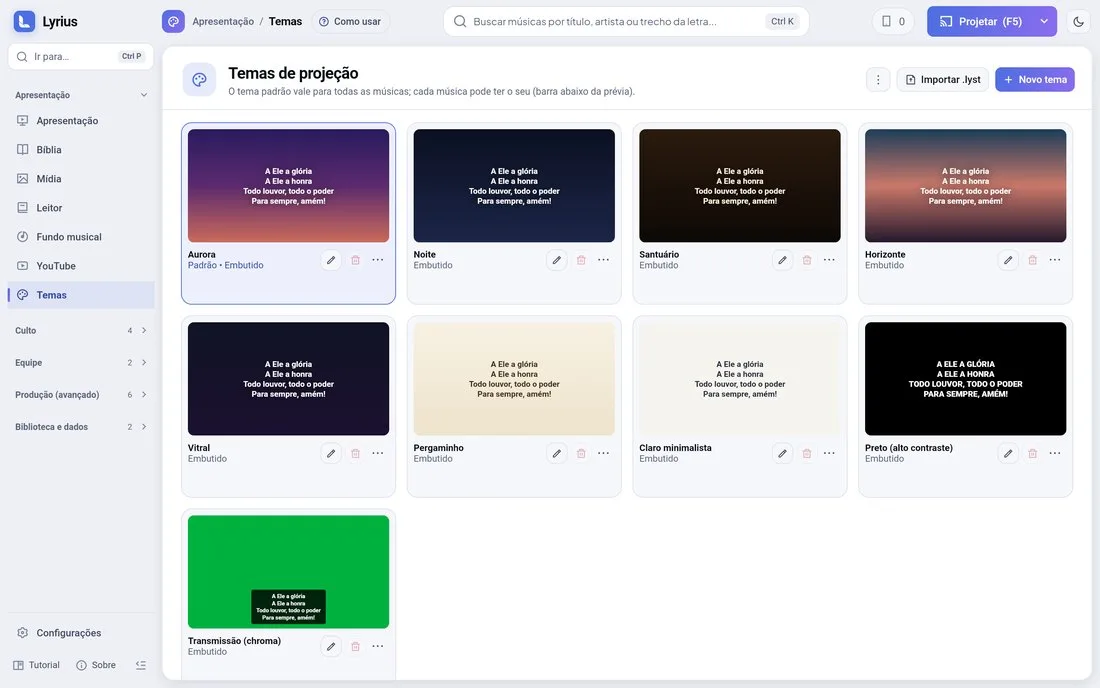
A theme is how the text looks on screen: background (color, gradient, image or video), font, size, color, outline, shadow, text position and transition.
Using themes
- Default theme (Settings › General): applies to everything without its own theme.
- Each song (and even each slide) can have its own theme. The Bible has its own too.
- From the phone: Themes › tap the theme › apply to what is live or set it as default.
Editing
- The pencil opens the editor; the trash can deletes (with confirmation).
- The themes that come with Lyrius cannot be deleted: edit a copy.
- New themes start without a transition; set the effect in the editor if you want one.
Sharing
Export a theme as a .lyst package (with the background and free fonts) and import it on another computer.