Home
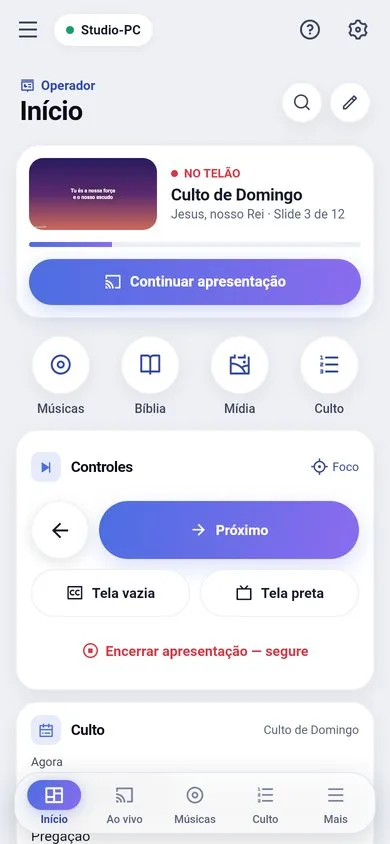
Shows the service, what is on screen and the shortcuts for your role. "Start presentation" (or "Continue", if it already started). The pencil customizes Home: drag the blocks to add and reorder them.
Live
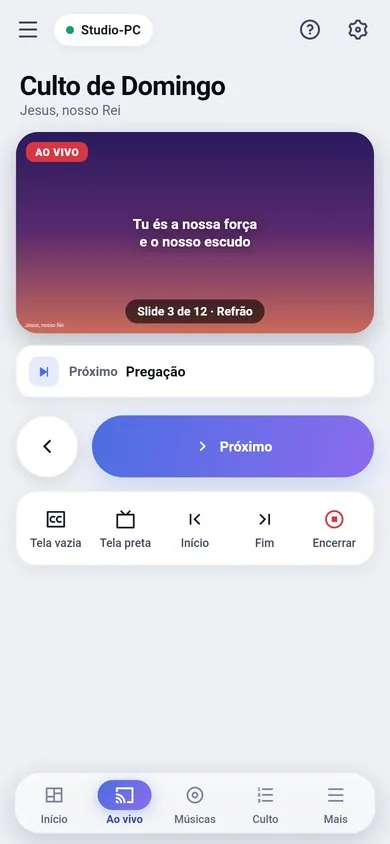
A large preview of the screen, previous/next, black screen, clear and end (by holding the button, so you never end by accident). Focus mode keeps only the big buttons.
The other screens
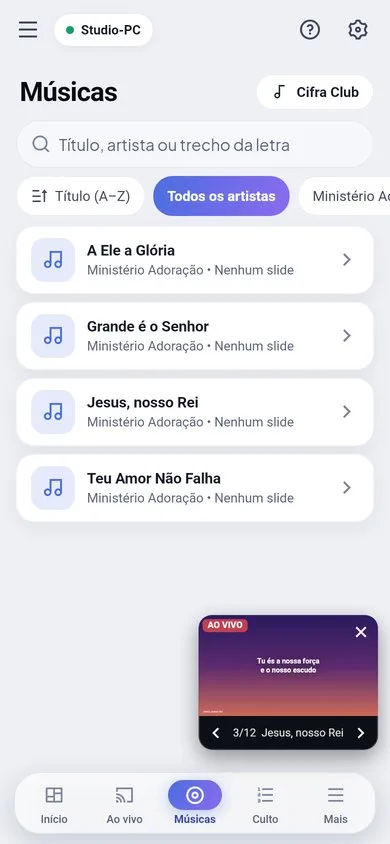
- Songs: search, artist filter, slides and Cifra Club.
- Bible, Media, Themes and the Service queue, like on the PC.
- Stage messages, Draw, Scoreboard, Chat and Send files.
Pull to refresh
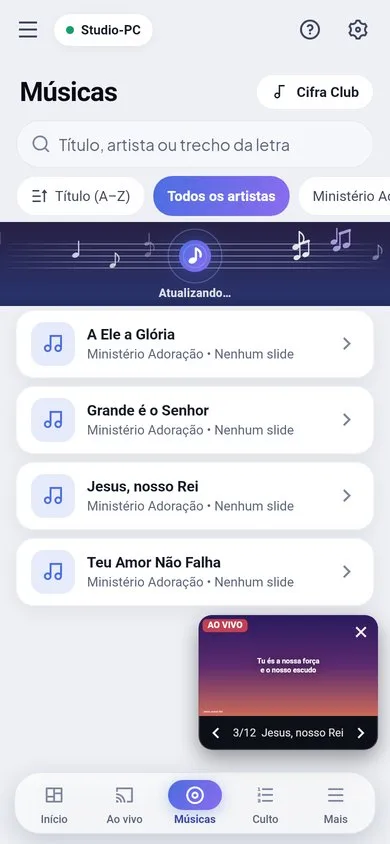
On almost every list, pull down: the music band appears and the screen fetches what changed on the PC.
Cifra Club on the phone
Songs › Cifra Club opens the website full screen. On the song, tap "Create song": it is created on the PC right away (needs the "Edit songs" permission). The note button toggles "lyrics only".
Android
- Share › Lyrius: photos, videos and files go to the PC.
- A home screen widget with the mini screen and the navigation buttons.
- The volume buttons can move the slides (app Settings).